
ScriptaiStandalone🔓 Atviras kodasNemokamas
Screenshot Basic
FiveM client screenshot resource
Aprašymas
screenshot-basic for FiveM
Description
screenshot-basic is a basic resource for making screenshots of clients' game render targets using FiveM. It uses the same backing
WebGL/OpenGL ES calls as used by the `application/x-cfx-game-view` plugin (see the code in citizenfx/fivem (https://github.com/citizenfx/fivem/blob/b0a7cda1007dc53d2ba0f638c035c0a5d1402796/data/client/bin/d3d_rendering.cc#L248)),
and wraps these calls using Three.js to 'simplify' WebGL initialization and copying to a buffer from asynchronous NUI.
Usage
1. Make sure your cfx-server-data (https://github.com/citizenfx/cfx-server-data) is updated as of 2019-01-15 or later. You can easily
update it by running `git pull` in your local clone directory.
2. Install `screenshot-basic`:
```
mkdir -p 'resources/[local]/'
cd 'resources/[local]'
git clone https://github.com/citizenfx/screenshot-basic.git screenshot-basic
```
3. Make/use a resource that uses it. Currently, there are no directly-usable commands, it is only usable through exports.
API
Client
requestScreenshot(options?: any, cb: (result: string) => void)
Takes a screenshot and passes the data URI to a callback. Please don't send this through _any_ server events.
Arguments:
• options: An optional object containing options.
• encoding: 'png' | 'jpg' | 'webp' - The target image encoding. Defaults to 'jpg'.
• quality: number - The quality for a lossy image encoder, in a range for 0.0-1.0. Defaults to 0.92.
• cb: A callback upon result.
• result: A `base64` data URI for the image.
Example:
```lua
exports['screenshot-basic']:requestScreenshot(function(data)
TriggerEvent('chat:addMessage', { template = '', args = { data } })
end)
```
requestScreenshotUpload(url: string, field: string, options?: any, cb: (result: string) => void)
Takes a screenshot and uploads it as a file (`multipart/form-data`) to a remote HTTP URL.
Arguments:
• url: The URL to a file upload handler.
• field: The name for the form field to add the file to.
• options: An optional object containing options.
• encoding: 'png' | 'jpg' | 'webp' - The target image encoding. Defaults to 'jpg'.
• quality: number - The quality for a lossy image encoder, in a range for 0.0-1.0. Defaults to 0.92.
• cb: A callback upon result.
• result: The response data for the remote URL.
Example:
```lua
exports['screenshot-basic']:requestScreenshotUpload('https://wew.wtf/upload.php', 'files[]', function(data)
local resp = json.decode(data)
TriggerEvent('chat:addMessage', { template = '', args = { resp.files[1].url } })
end)
```
Server
The server can also request a client to take a screenshot and upload it to a built-in HTTP handler on the server.
Using this API on the server requires at least FiveM client version 1129160, and server pipeline 1011 or higher.
requestClientScreenshot(player: string | number, options: any, cb: (err: string | boolean, data: string) => void)
Requests the specified client to take a screenshot.
Arguments:
• player: The target player's player index.
• options: An object containing options.
• fileName: string? - The file name on the server to save the image to. If not passed, the callback will get a data URI for the image data.
• encoding: 'png' | 'jpg' | 'webp' - The target image encoding. Defaults to 'jpg'.
• quality: number - The quality for a lossy image encoder, in a range for 0.0-1.0. Defaults to 0.92.
• cb: A callback upon result.
• err: `false`, or an error string.
• data: The local file name the upload was saved to, or the data URI for the image.
Example:
```lua
exports['screenshot-basic']:requestClientScreenshot(GetPlayers()[1], {
fileName = 'cache/screenshot.jpg'
}, function(err, data)
print('err', err)
print('data', data)
end)
```
Šaltinis (GitHub): https://github.com/citizenfx/screenshot-basic
Licencija: MIT · ⭐ 137 GitHub žvaigždučių. Autoriai — repozitorijos kūrėjai; MeZo Klubas tik pateikia nuorodą į oficialų šaltinį.
Versijų istorija
- v1.0.0Naujausia2026 m. lapkričio 22 d.
Pirminė versija.
Įvertinimai
Prisijunk per Discord, kad galėtum įvertinti.
Dar niekas neįvertino. Būk pirmas!

Panašūs resursai

VIP
ScriptaiESXQBCore+2
LB | Phone
The most popular phone on FiveM
⬇ 6👁 52☆ —v2.8.1

Mokamas (parduotuvė)
ScriptaiESXQBCore+1🔒 Escrow
Uniqers Marriage
The most complete marriage roleplay system for FiveM: proposals, a grand wedding ceremony, a priest job, divorce, loyalty missions and much more, all in one resource.
⬇ 2👁 18☆ —v1.0.0
Nemokamas
ScriptaiStandaloneox_core+3🔒 Escrow
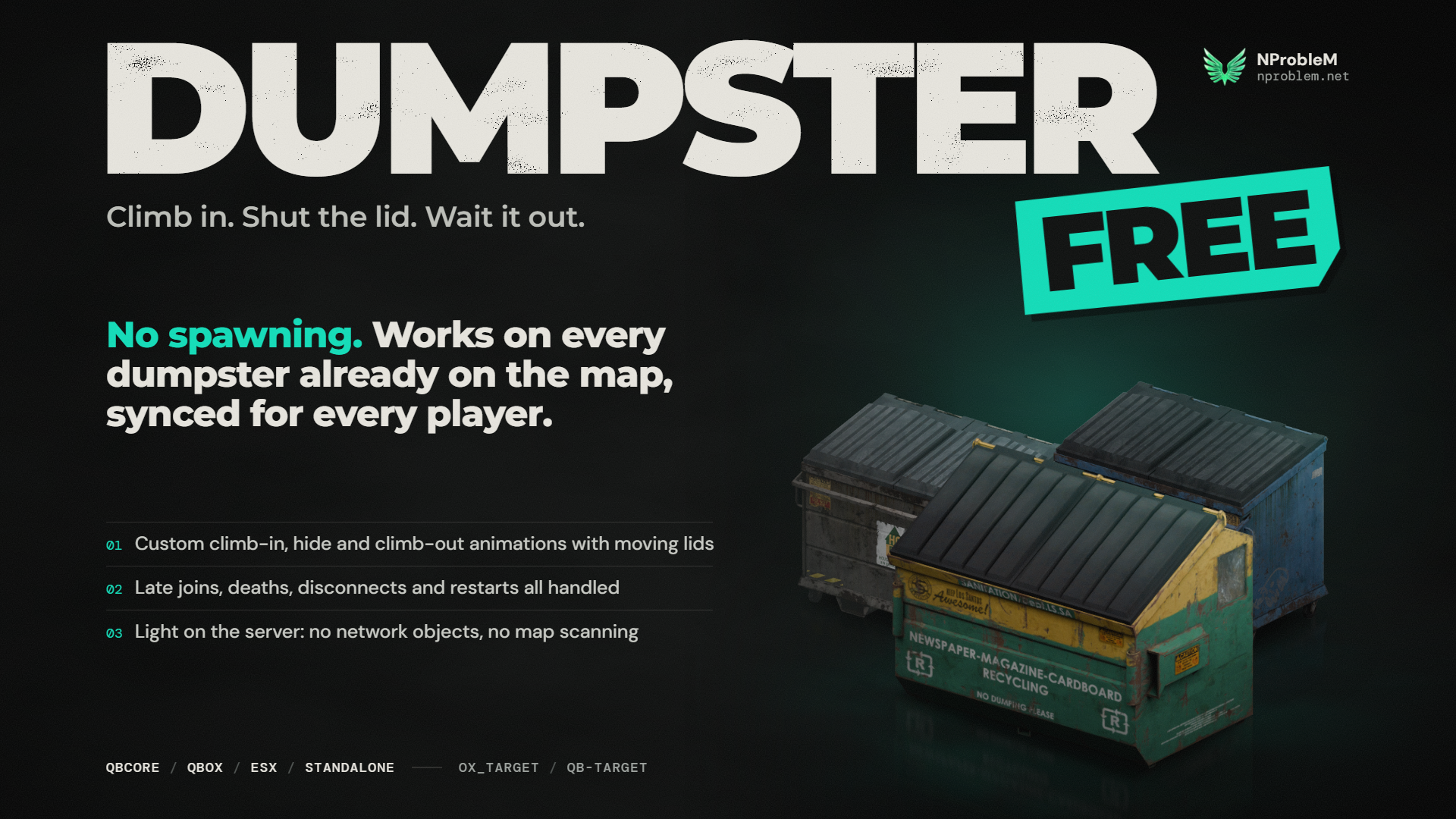
Hide In Dumpster
NProbleM Dumpster lets players hide inside the dumpsters that are already on the GTA map. Walk up, lift the lid, climb in and wait it out, while everyone nearby sees the same animation on the same fra
⬇ 2👁 23☆ —v1.0.0
Nemokamas
ScriptaiESXQBCore+2🔓 Atviras kodas
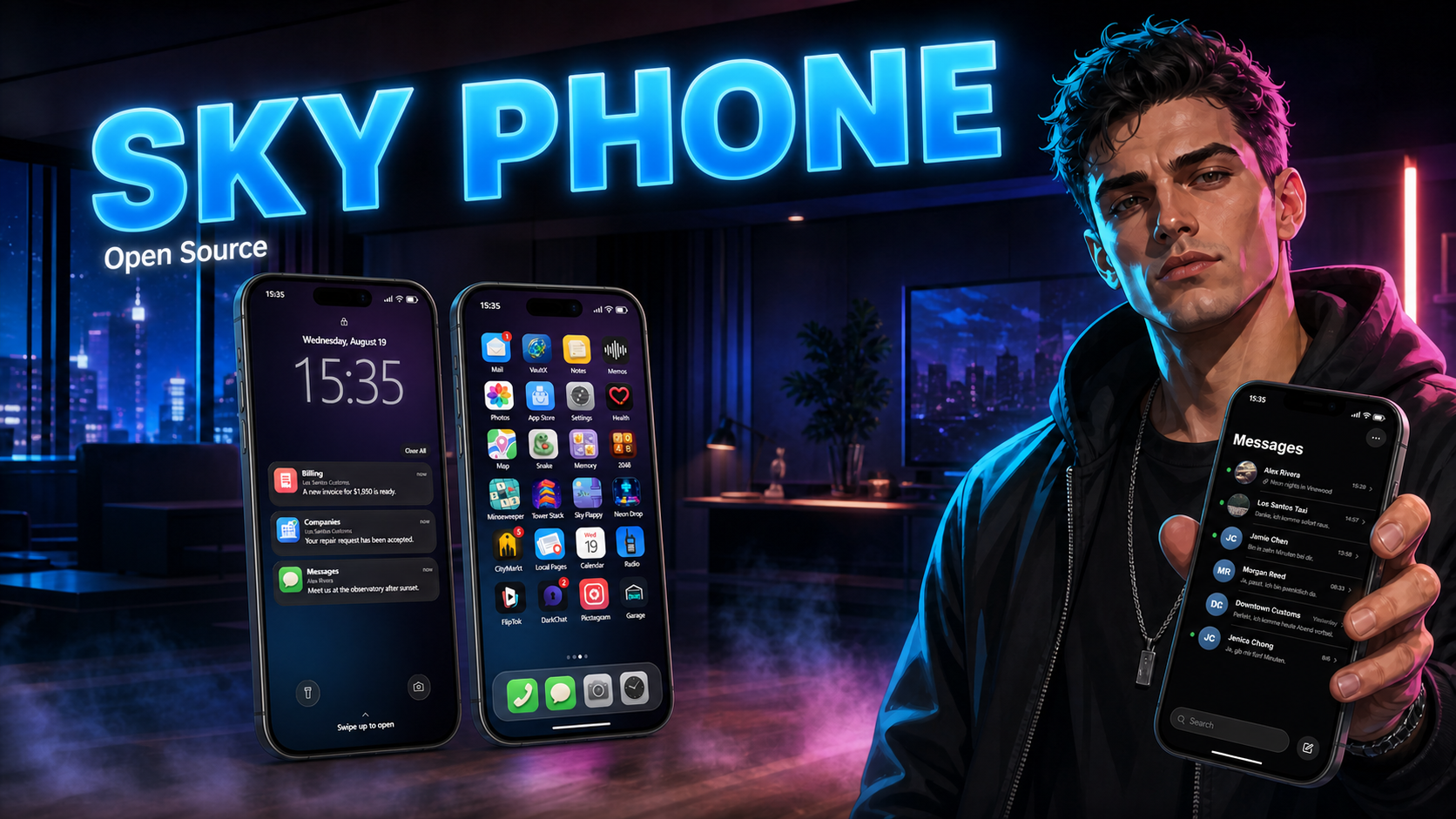
Sky Phone
Phone Script for FiveM
⬇ 2👁 19☆ —v1.6.1
